Wing Commander 35th Anniversary Edition Controls
Keyboard, mouse, and controller mappings for Wing Commander 35th Anniversary Edition, including Steam Deck layouts and the differences between historical builds.
What are Controls?
Wing Commander was built for keyboard and joystick, and the anniversary release adds modern controller options. This section maps every flight, combat, and interface command across input devices and historical builds.
Why learn the controls?
Build muscle memory
Fast target cycling, throttle control, and afterburner use come from knowing the layout without looking.
Modernize your setup
Configure mouse profiles, gamepads, or Steam Deck bindings to match how you want to fly today.
Switch builds safely
Targeting and view commands differ between DOS/WCAT and WCDX builds; know the differences before you switch.
Featured & Essential
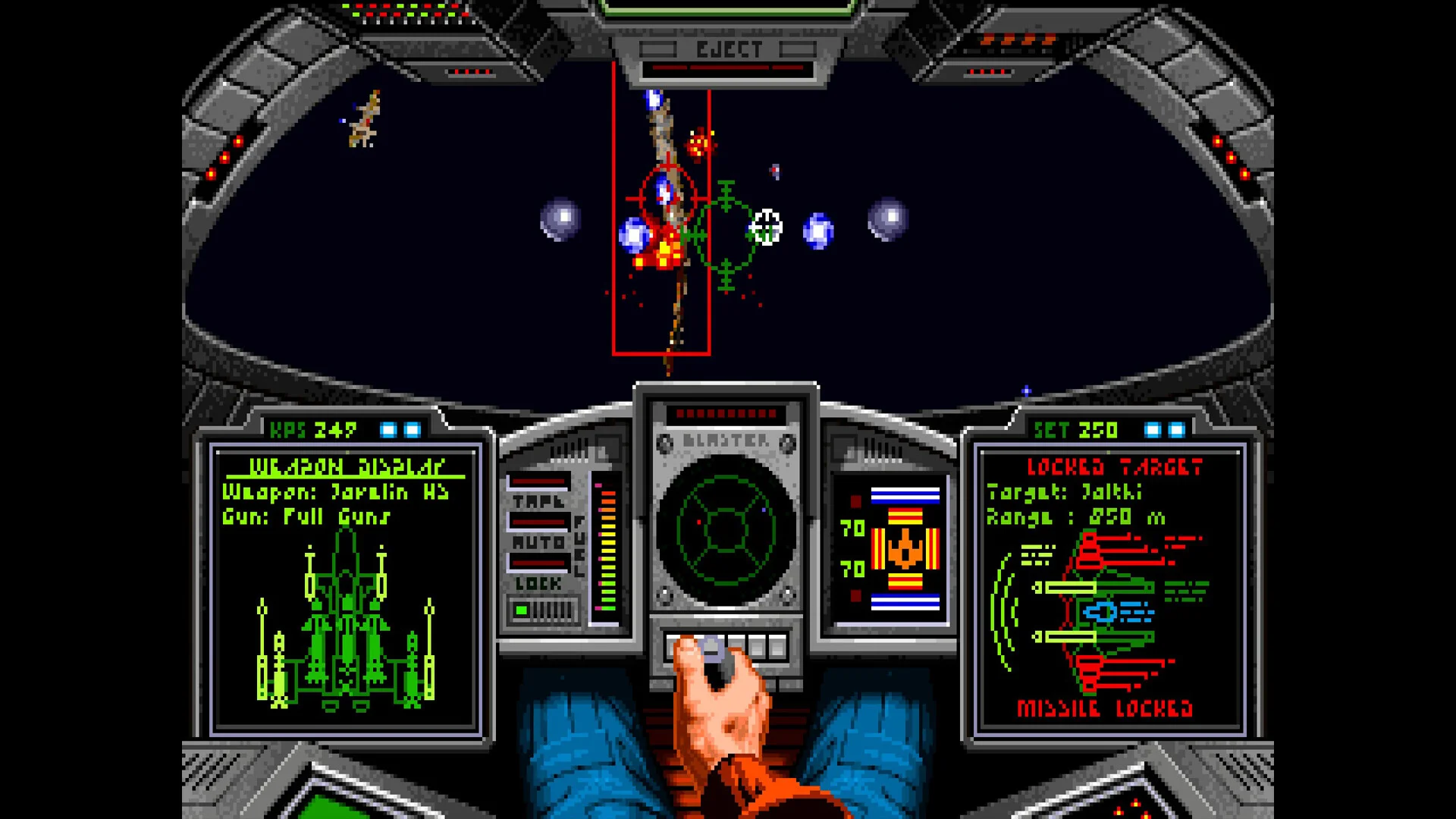
Wing Commander 35th Anniversary Edition Steam Deck controls: Setup
Configure Wing Commander 35th Anniversary Edition Steam Deck controls with practical Steam Input mapping, testing steps, and troubleshooting tips.
Wing Commander 35th Anniversary Edition Steam Deck: Setup
Set up Wing Commander 35th Anniversary Edition on Steam Deck with practical Proton, controls, display, and troubleshooting guidance.
All Controls
Wing Commander 35th Anniversary Edition controller support: Setup Guide
Learn how controller support works in Wing Commander 35th Anniversary Edition, including Steam setup, input profiles, troubleshooting, and Steam Deck tips.
Wing Commander 35th Anniversary Edition controls: Tips
Learn the key control groups, targeting habits, speed management, controller setup, and version-specific tips for Wing Commander 35th Anniversary Edition.
Wing Commander 35th Anniversary Edition keyboard controls: Setup Guide
Learn Wing Commander 35th Anniversary Edition keyboard controls, flight bindings, target selection, weapons, version differences, and setup tips.